Smart Screenshot Cataloge
Turn Screenshots into a Searchable Knowledge Library.
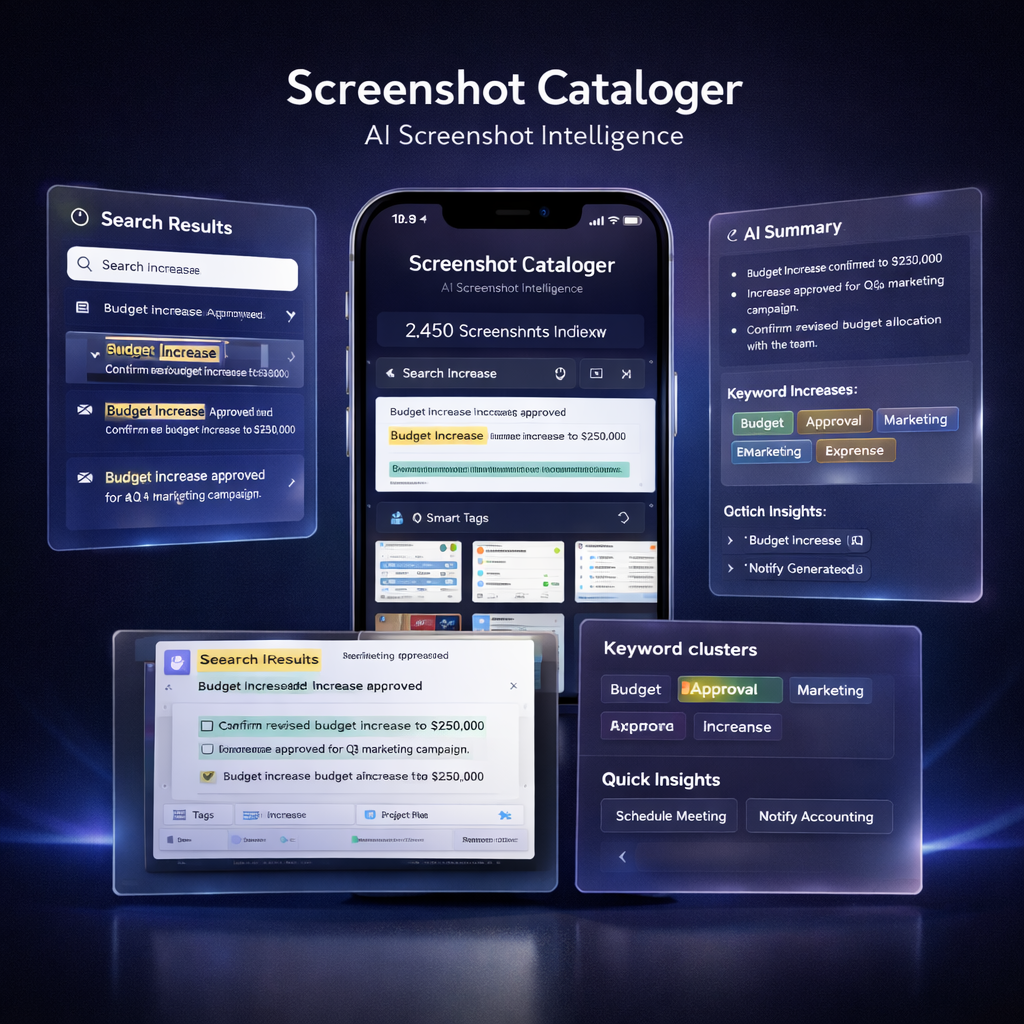
Screenshots are where ideas, receipts, addresses, chats, and "I'll need this later" live — until they disappear in your camera roll. Smart Screenshot Cataloge uses AI + OCR to auto-catalog your screenshots, extract useful data, and let you search (or even "chat") with your screenshot library in seconds — without endless scrolling.
and “where was it?”
+ extracted data
Screenshots Are “Second Memory” — Until They Turn into Chaos.
We save important stuff as screenshots: booking details, maps, product pages, chats, invoices, ideas, inspiration. A week later it’s buried under hundreds of images — and the information is effectively lost. Smart Screenshot Cataloge turns screenshots into structured, searchable data: text OCR, visual understanding, auto tags, smart folders, and extracted entities (links, dates, addresses, numbers) — so your camera roll becomes a usable library.
From “I saved it somewhere…” to “Found in 2 seconds.”
Capture is automatic. Organization is smart. Retrieval feels like search — not scrolling.
Import screenshots
Select your screenshots (or enable smart import). The app builds your private catalog.
Understand content
AI reads text (OCR) and recognizes visuals: apps, UI screens, receipts, chats, maps, products.
Extract useful data
Auto-detect links, emails, phone numbers, addresses, dates, prices — ready to copy or act on.
Search & ask
Search by keywords or natural language (“the Wi-Fi password”, “that receipt from August”, “hotel address”).
Everything You Need to Turn Screenshots into a Real System
Built like a photo tool — powered like an AI assistant.
Auto Catalog & Smart Folders
AI groups screenshots into meaningful collections: receipts, chats, travel, shopping, documents, ideas, and more.
OCR Search (Text Inside Images)
Find screenshots by words and phrases that appear inside them — even if you never tagged anything.
Natural Language Search
Type what you remember. Search like you talk: “return policy screenshot”, “meeting time from that chat”, “barcode image”.
Data Extraction
Detect and copy links, emails, phone numbers, addresses, dates, prices. Turn screenshots into actionable data.
Manual Tags + Pinning
Add your own tags, pin important screenshots, build custom folders for projects, clients, trips, or shopping lists.
Privacy-First Options
Designed with clear data boundaries. Processing can be on-device depending on the chosen architecture and features.
Who It’s For
For people who use screenshots as memory: work, life admin, shopping, travel, learning — and want instant retrieval.
Work & projects
Save specs, tasks, dashboards, UI references, client notes — then find them instantly by meaning, not by date.
Receipts & purchases
Keep invoices, order confirmations, warranties, and return policies searchable by store, price, or date.
Travel & places
Hotel addresses, tickets, maps, booking codes — searchable when you’re in a hurry at the airport.
Chats & info
Find “that message screenshot” with a phone number, Wi-Fi password, or delivery details inside.
Learning & inspiration
Capture posts, articles, quotes, designs. Organize by topic and pull them back when you need ideas.
Life admin
Any “save now, deal later” content becomes searchable — no more screenshot graveyard.
Frequently Asked Questions
Want an App Store Copy & Screenshot Story Pack?
We’ll craft a conversion-focused App Store narrative for Smart Screenshot Cataloge: problem → magic moment → proof → privacy → features → use cases.
Get the AssetsGet in Touch
Want a pilot, a roadmap chat, or an integration plan? Send a message.

Read our Privacy Policy & Terms of Service.