PDF Converter Ultimate
Scan, convert, and manage PDFs in seconds.
A fast iPhone app for scanning documents, importing images and files, converting to PDF on-device, and managing everything in one clean workflow.
Scan. Convert. Edit. Share.
Images and scans convert on-device. Office to PDF architecture is ready, with advanced server-based document conversion planned as a future extension.
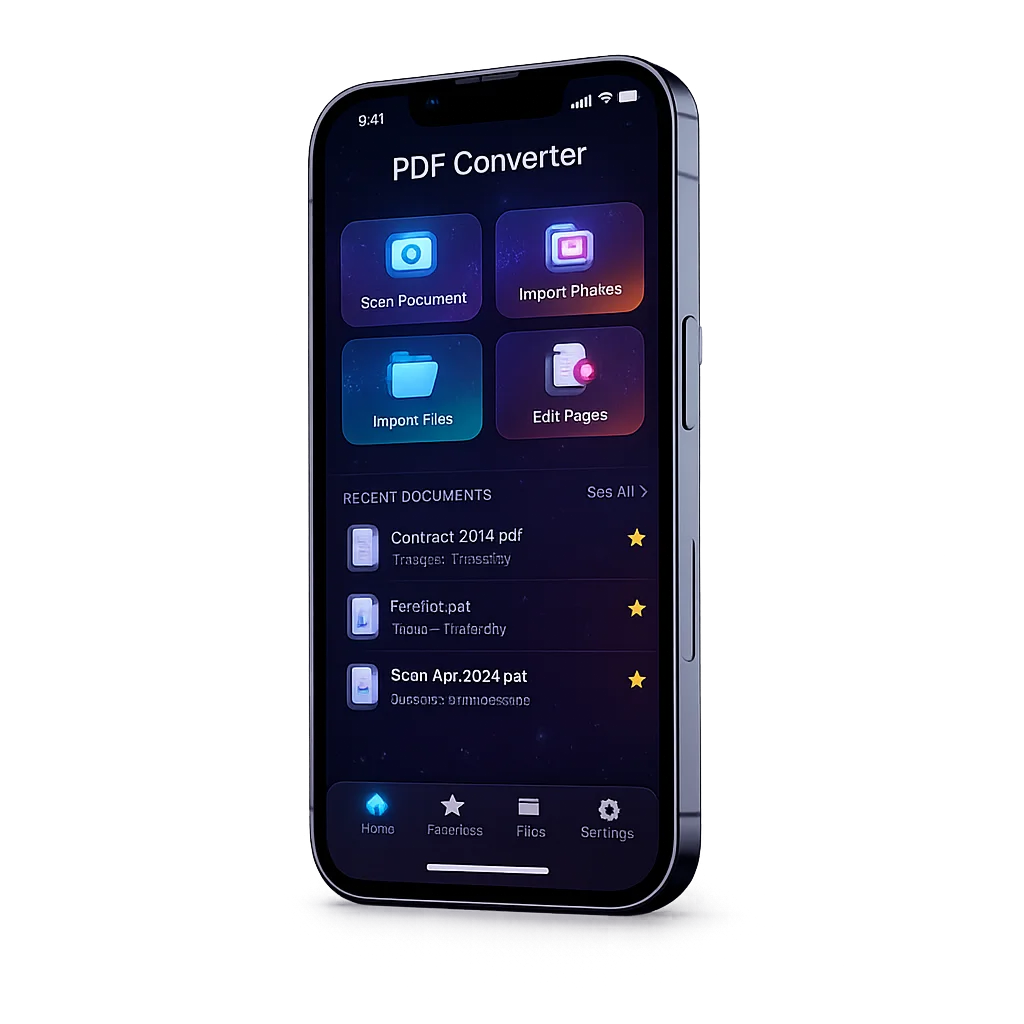
Scanning, importing, converting, and organizing documents usually takes too many steps.
Most PDF tools either feel bloated, rely too heavily on cloud processing, or bury simple actions behind cluttered menus. PDF Converter Ultimate focuses on speed, clarity, and practical utility — so users can scan a document, build a PDF, and share it in just a few taps.
Import → edit → convert → save or share
The app is designed around a direct conversion workflow with low friction, strong native integrations, and file management that stays easy even after many documents.
Scan or import
Use the camera, pick images from the gallery, or import supported files from the Files app.
Edit pages
Reorder pages, remove mistakes, add more scans, and build the final document exactly how you want it.
Convert on-device
Images and scans are turned into PDF locally using native iOS frameworks for fast, privacy-friendly results.
Preview and share
Open the result, rename it, star it, sort it, or share it through the native iOS share sheet.
Built for clean workflows, fast actions, and real everyday document tasks
PDF Converter Ultimate combines smart scanning, local conversion, page editing, file management, and subscription-ready premium logic in a production-grade iOS architecture.
Smart document scanner
Scan paper documents with VisionKit and move directly into an editing flow that feels fast and native.
Import from gallery and files
Bring in photos from PHPicker or supported documents from the Files app through familiar system pickers.
Edit and reorder pages
Rebuild the final PDF visually with page rearranging, add/remove actions, and cleaner post-scan control.
On-device PDF conversion
Image-to-PDF, scan-to-PDF, and PDF image handling work locally without needing a server for the main flow.
Document manager
Search, sort, rename, star, delete, preview, and share documents from one practical document hub.
Premium-ready monetization
Includes StoreKit 2 subscriptions, a 3-day trial, and conversion limits for free users that unlock only after successful conversions.
When it becomes especially useful
Scanning paper documents
Turn bills, forms, notes, and printed pages into shareable PDFs directly from the phone camera.
Combining multiple photos
Convert several images into a single clean PDF and control the final order before saving.
Quick file conversion
Import files from the Files app and move into a simple conversion and preview workflow without clutter.
Daily document handling
Keep recent documents searchable, star important ones, and manage everything from a practical archive view.
Sharing final PDFs fast
Preview and send converted documents through the native iOS share sheet in just a few taps.
Premium-heavy workflows
Give power users more conversions and future-ready expansion into advanced Office conversion routes.
Start free, then unlock unlimited conversion
The core flow is easy to try. Premium removes the free usage cap and is designed for frequent document work.
Free
Premium
Future expansion
Frequently Asked Questions
Ready to simplify your PDF workflow?
Join early access and get updates as PDF Converter Ultimate moves toward release-ready polish, premium setup, and App Store submission.
Get Early AccessGet in Touch
Have feedback, a product question, or want updates about the release? I’d love to hear from you.