Convert Any File Format.
Right From Your Browser.
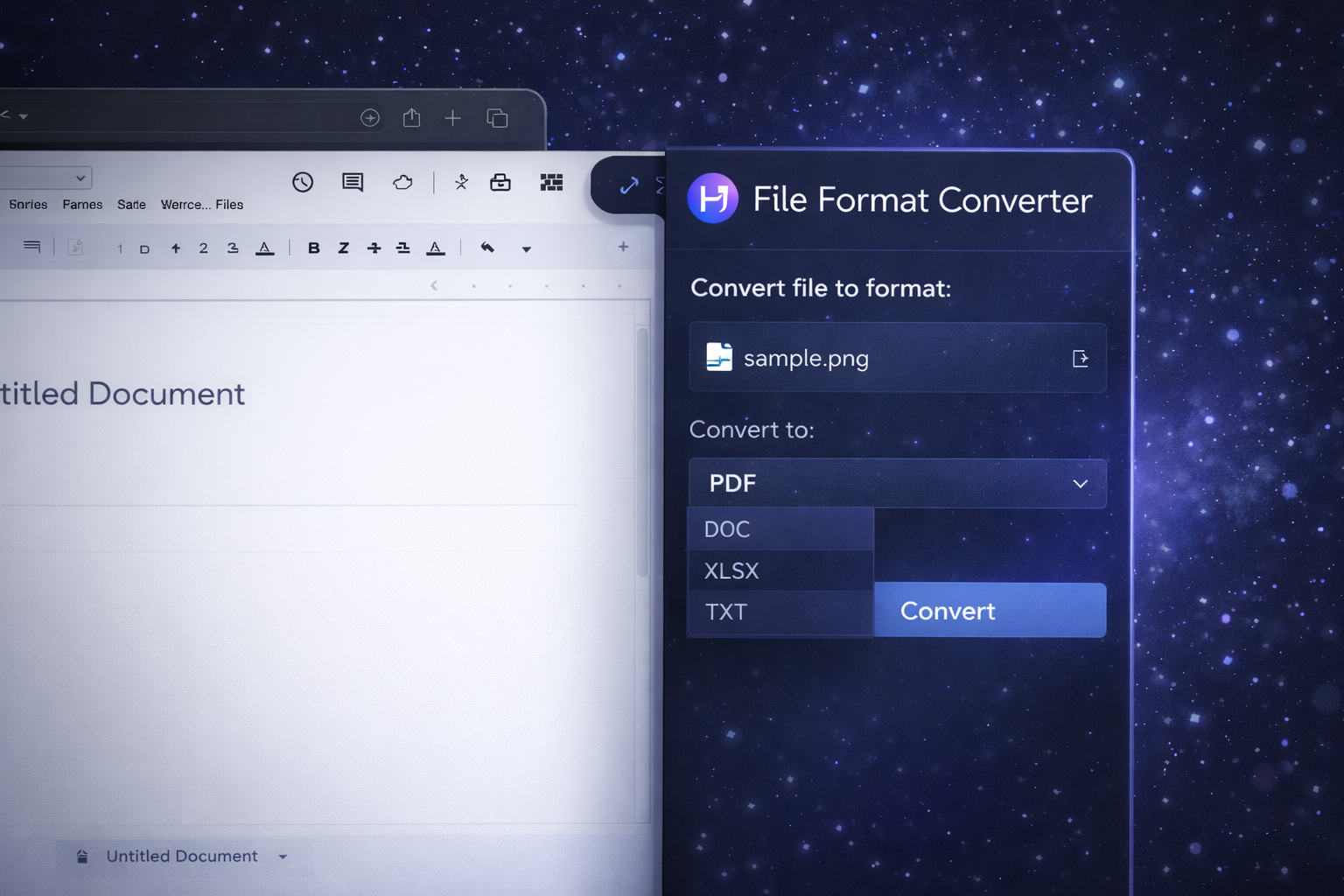
File Format Converter is a lightweight Chrome extension that turns documents, images, and media into the format you actually need. Pick an output format, convert, download — done.
upload, wait, download…
convert, download
File Conversions Shouldn’t Feel Like a Security Risk.
Someone sends a HEIC photo. A PDF needs to become DOCX. A WEBP must be JPG. The usual flow: search for a converter site, upload your file, hope it’s safe, then download a renamed file and pray it opens.
Convert in a Simple 4-Step Flow
Install the extension
Add it to Chrome once. No messy workflows, no extra apps.
Choose a file
Drop it into the popup (or use a context menu if enabled).
Pick output format
PDF, DOCX, JPG, PNG, WEBP, MP3… choose what you need.
Convert & download
Get a clean output file with a correct extension and filename.
Fast Conversions, Clean Results
Docs, Images, Media
One extension for the formats you bump into daily — from office documents to modern image codecs.
Batch-ready workflow
Convert multiple files back-to-back without reopening tabs and reuploading on every step.
Quick output settings
Where it makes sense: quality presets, page ranges, or image resize — without a complicated UI.
Local-first mindset
Designed to minimize friction: process locally when possible. If a conversion requires online processing, the extension makes that explicit.
No tab chaos
Stop Googling converters. Keep your flow inside Chrome — convert and continue working.
Built with safety in mind
Clear, predictable UX: you always see what you convert, what format you choose, and what you download.
When You Need the “Right” File, Now
Office Work
Turn PDF into DOCX, export slides, or make a shareable PDF from a document.
Images & Social
Convert WEBP/HEIC to JPG/PNG for editing, posting, or sending to clients.
Audio
Swap MP3/WAV formats for compatibility with tools, editors, or devices.
Students
Submit assignments in the required format without hunting for converters mid-deadline.
Teams
Standardize outputs quickly (e.g., “send PNG” / “send PDF”) so everyone can open it.
Client Delivery
Export the final file type your client asked for, with a clean filename and extension.
Simple, Practical, Fast
I keep getting HEIC photos. This finally makes them JPGs without me googling “heic converter” every time.
The best part is the flow: pick the file, pick the format, download. No ads, no popups, no nonsense.
PDF to DOCX conversions are a weekly pain. This turns it into a 10-second task.
I like that it’s clear when a conversion can be done locally vs online. Transparency matters.
Frequently Asked Questions
Want File Conversion Without the Drama?
Join the waitlist to get early access to File Format Converter and help shape the feature set.
Get Early AccessGet in Touch
Have feedback, a project idea, or found a bug? I'd love to hear from you.